Import or paste
Choose a screenshot or paste it from the clipboard. Face detection runs locally where the browser supports it.
Screenshot privacy
Open a screenshot locally, mask every private region, then export a new PNG. MaskBeforeShare works in the browser, requires no account and keeps the original image on your device.
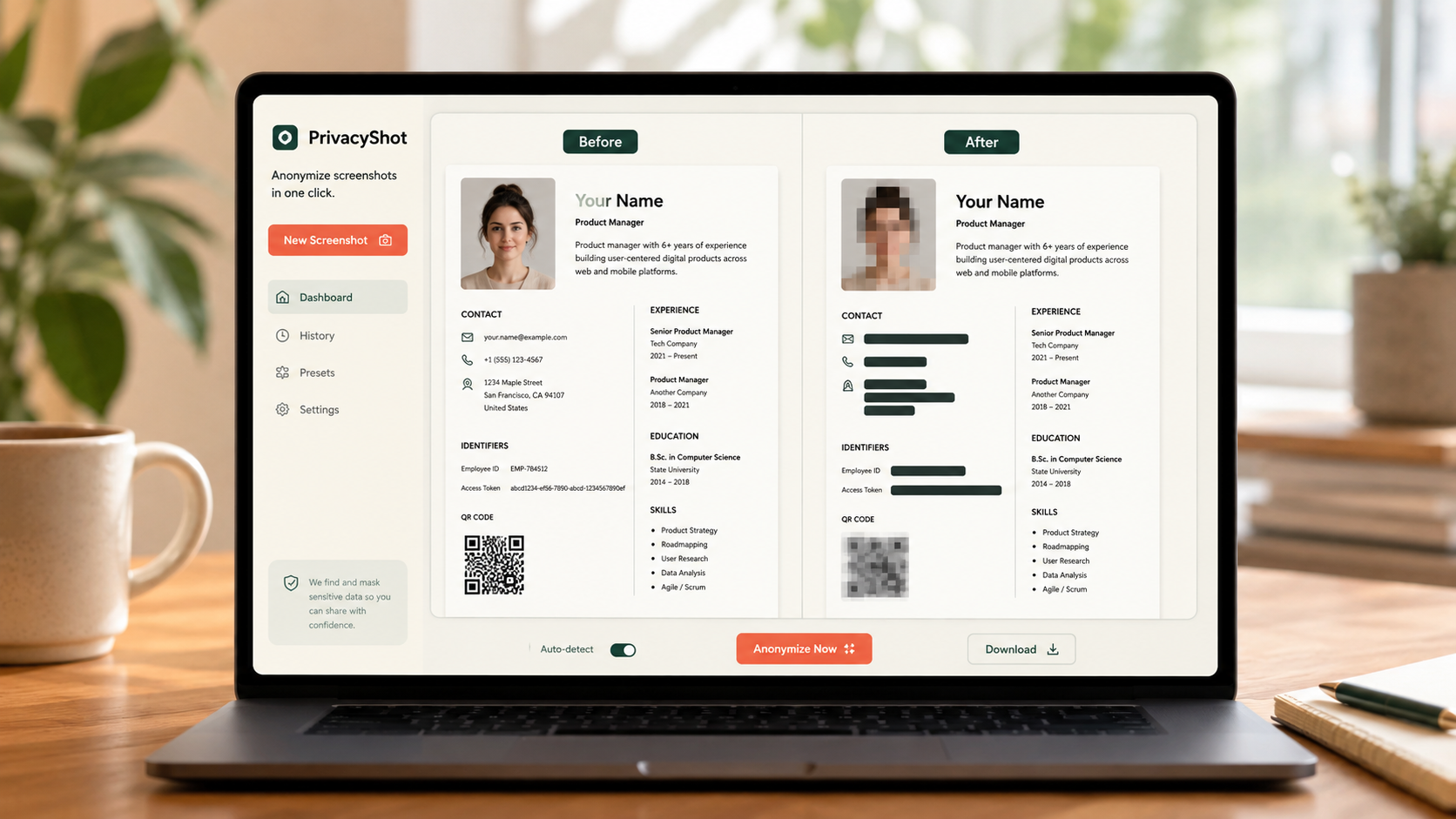
The image is processed in your browser. Review every mask, export fresh pixels, and share the cleaned copy instead of the original.
Choose a screenshot or paste it from the clipboard. Face detection runs locally where the browser supports it.
Face suggestions are automatic. Use boxes or the brush to manually cover names, messages, emails, addresses, account details and QR codes.
Save a new PNG, reopen it and confirm that no readable private detail remains before sharing.
Before sharing
Screenshots often leak data in browser tabs, notifications, sidebars, filenames, timestamps and status bars.
No. Normal image processing happens locally in the browser and does not require an account.
Strong blur can work visually, but blackout is the safer choice for passwords, account numbers, IDs and confidential text.
Review faces, names, emails, phone numbers, addresses, IDs, messages, QR codes, account details, tabs and notifications.
Related privacy tasks