Define the purpose
List the facts the recipient needs so the redaction does not remove necessary context.
Document privacy
Photos of contracts, letters, forms and receipts often include more information than the recipient needs. Cover irrelevant private fields, export fresh pixels and inspect the final copy.
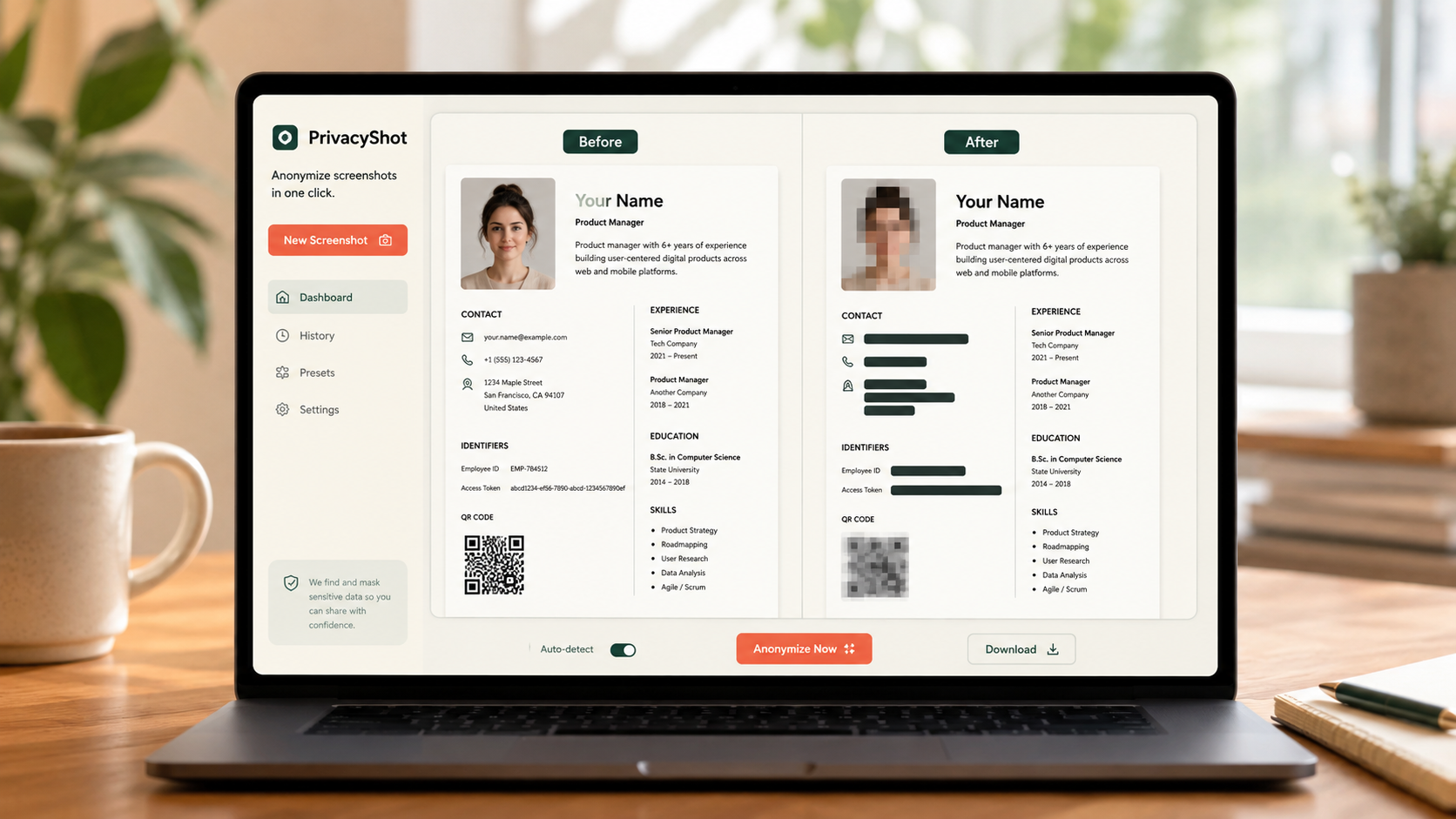
The image is processed in your browser. Review every mask, export fresh pixels, and share the cleaned copy instead of the original.
List the facts the recipient needs so the redaction does not remove necessary context.
Cover names, signatures, references, addresses, codes and unrelated text with opaque masks.
Export a new PNG and confirm the hidden content is absent from the final pixels.
Before sharing
The desk, screen, envelope, filename and nearby paperwork can all expose additional data.
Opaque blackout is safer for confidential text because weak blur may remain readable.
The PNG export contains flattened pixels, but you should reopen it and inspect every region before sending.
No. Supported image editing happens locally in your browser.
Related privacy tasks