Confirm required fields
Ask which side and which identifiers are necessary. Do not guess when verification rules apply.
Identity document privacy
Identity documents contain several reusable identifiers. Confirm what the recipient legally needs, cover every unnecessary field, and clearly mark the copy for its intended purpose when appropriate.
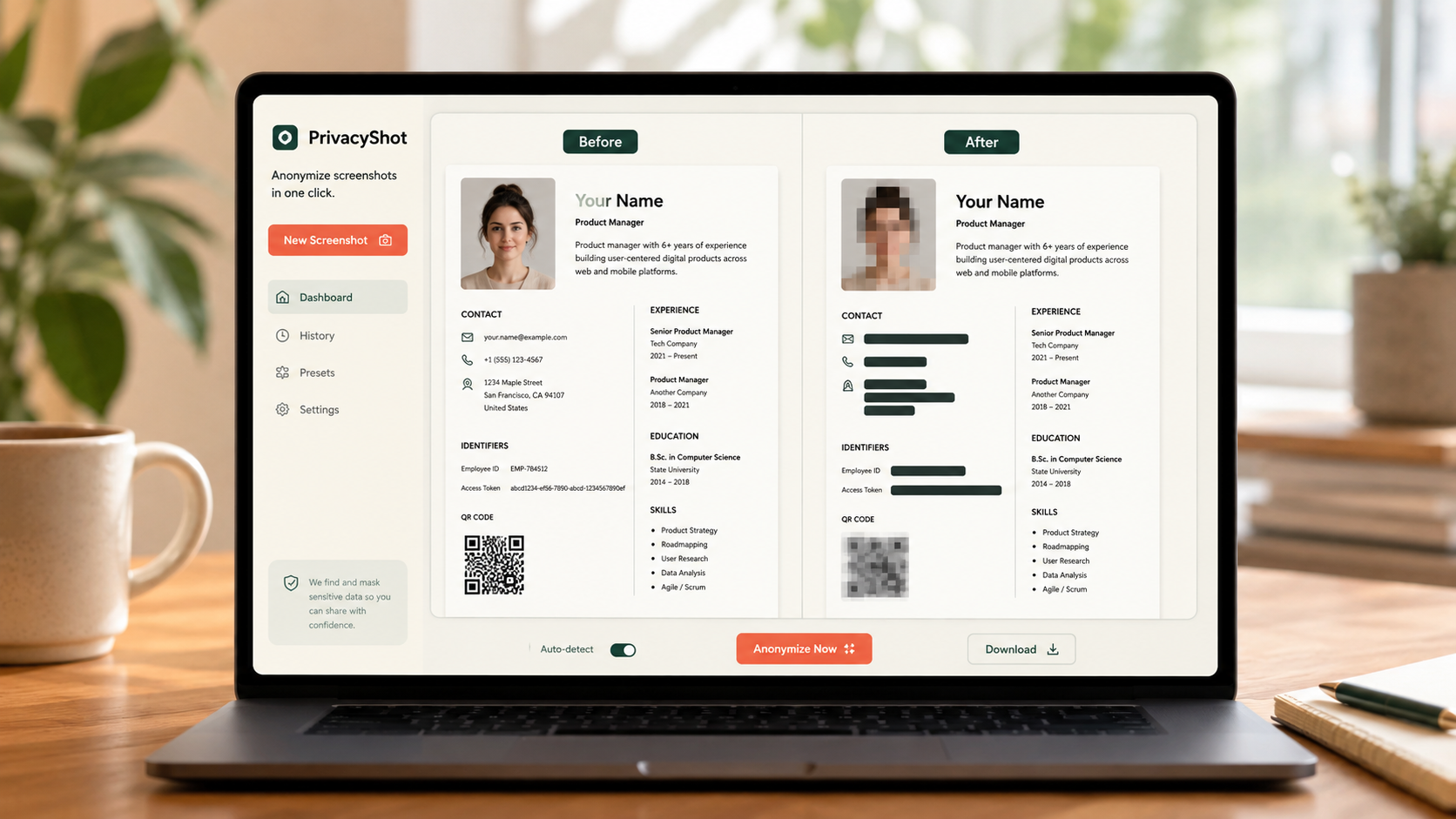
The image is processed in your browser. Review every mask, export fresh pixels, and share the cleaned copy instead of the original.
Ask which side and which identifiers are necessary. Do not guess when verification rules apply.
Review document number, address, signature, barcode, MRZ, issue details and visible background clues.
Inspect the exported PNG. If the recipient requires a purpose-specific watermark, add it with a separate tool; MaskBeforeShare does not add watermarks.
Before sharing
A recipient may reject an altered document. Obtain their requirements before redacting and never modify a document deceptively.
Document numbers, address, signature, barcode, MRZ and issue details can all enable identity misuse.
No. Banks, employers or authorities may require an unaltered copy. Confirm their rules first.
No. It only helps create a privacy-reduced image copy locally.
Related privacy tasks