Keep only required pages
Confirm what the recipient actually needs before exposing a complete statement history.
Financial document privacy
A statement can reveal identity, account numbers, balances, employers, locations and spending patterns. First export or screenshot the required page as an image: MaskBeforeShare does not edit PDF files directly. Cover unnecessary fields, then review the new PNG.
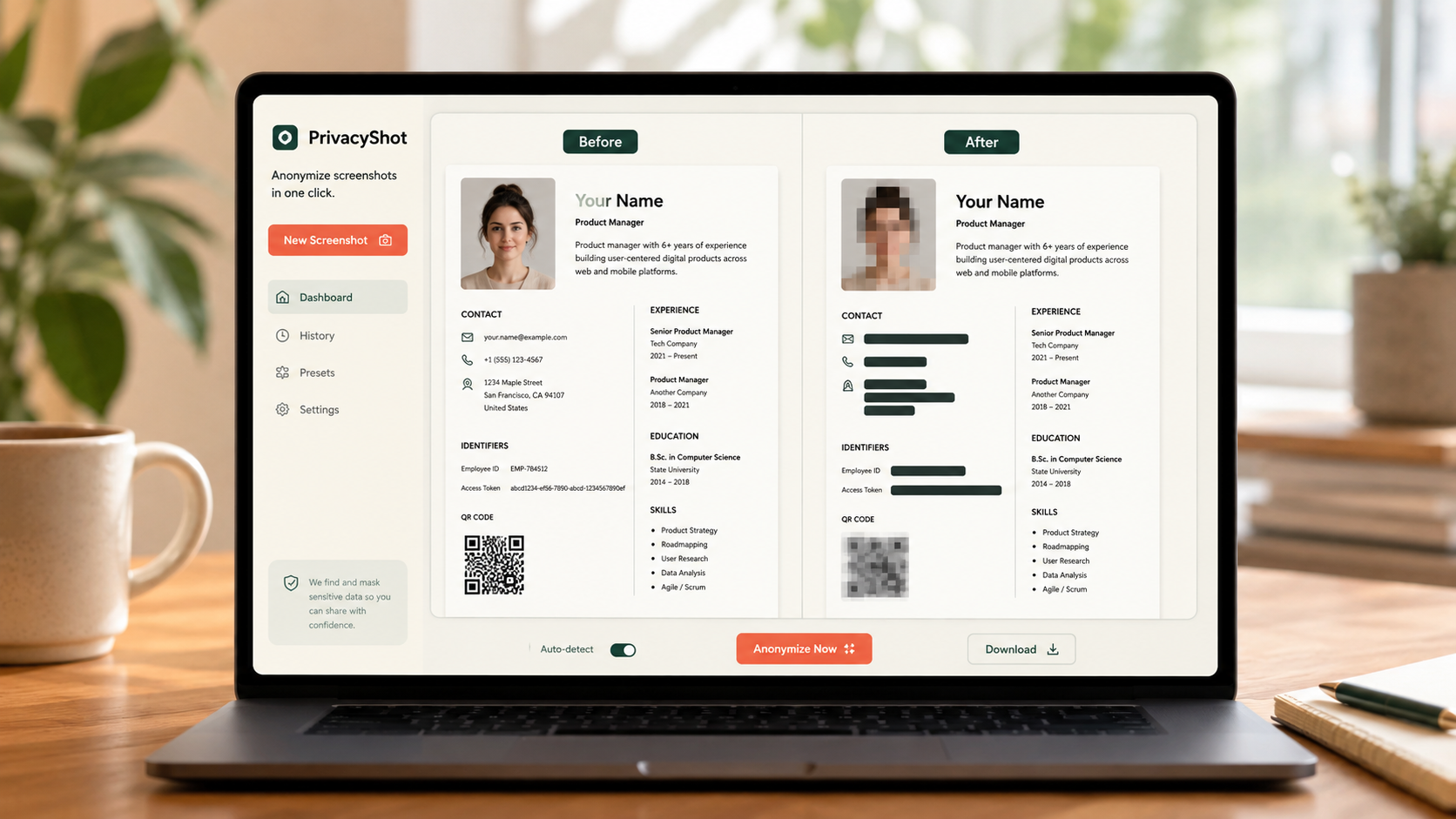
The image is processed in your browser. Review every mask, export fresh pixels, and share the cleaned copy instead of the original.
Confirm what the recipient actually needs before exposing a complete statement history.
Cover account identifiers, unrelated transactions, balances, addresses and customer references where permitted.
Export a new file and confirm that covered text cannot be selected, copied or revealed.
Before sharing
Redaction protects irrelevant data; it must not falsify a document or conceal facts required for the stated review.
Common candidates include full account numbers, unrelated transactions, balances, addresses and customer IDs, but preserve all information the recipient requires.
Not always. An annotation may leave underlying text extractable. Use a flattened export and verify the result.
Yes. MaskBeforeShare processes supported images locally; its PDF page workflow also avoids uploading the document.
Related privacy tasks