Load the vehicle photo
Use the highest-quality original available so the plate edges remain easy to identify.
Vehicle photo privacy
Draw a mask over the complete plate, choose blur, pixelation or blackout, and export a cleaned PNG locally. Manual review keeps you in control when reflections or angled plates confuse automatic tools.
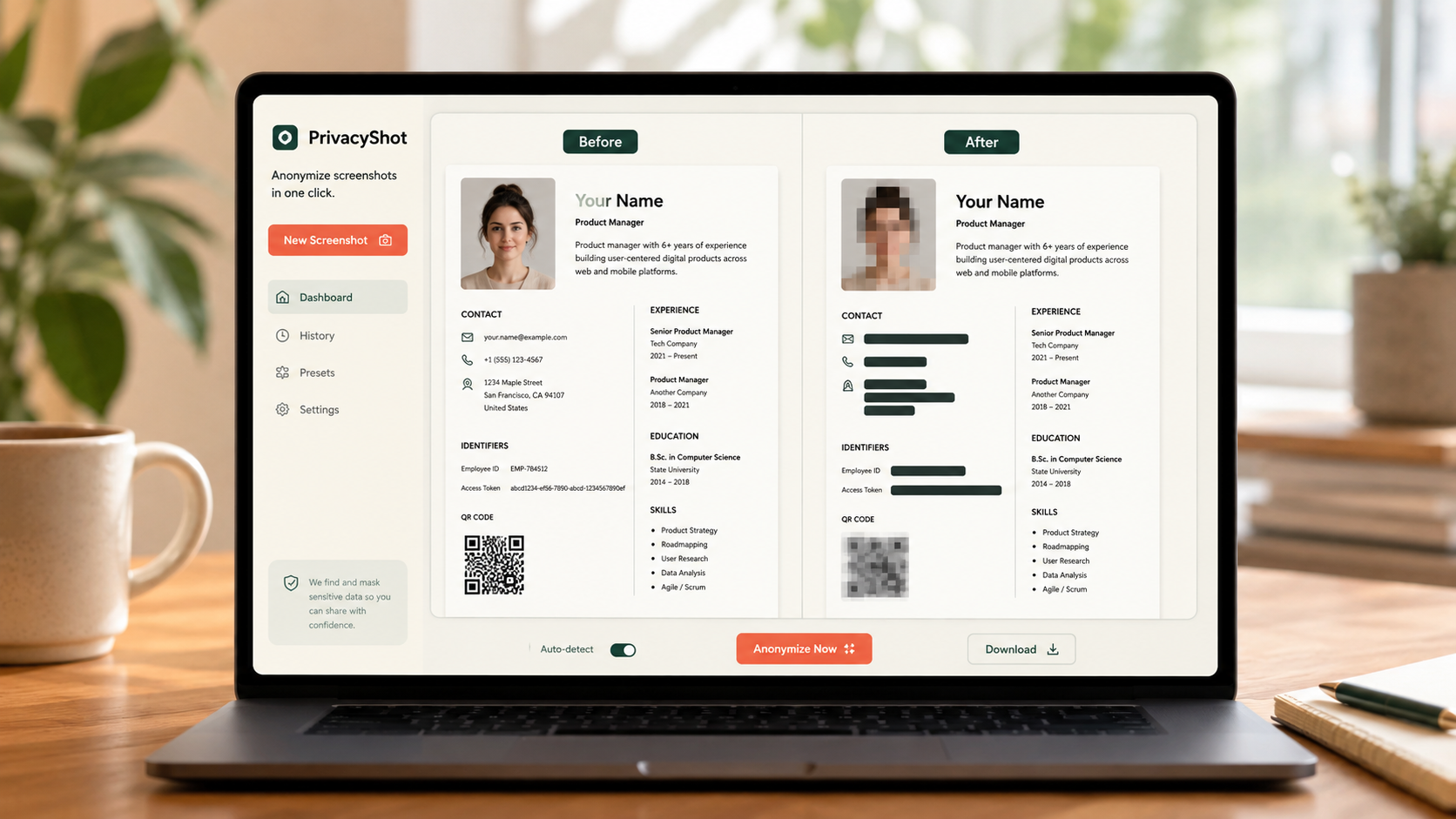
The image is processed in your browser. Review every mask, export fresh pixels, and share the cleaned copy instead of the original.
Use the highest-quality original available so the plate edges remain easy to identify.
Draw beyond every character and include reflected or repeated plate details elsewhere in the image.
Zoom into the new PNG and check mirrors, windows, background cars and location clues before posting.
Before sharing
A careful privacy review also considers faces, house numbers, parking permits, documents and precise location clues.
Yes. MaskBeforeShare processes supported image files locally in your browser.
Blackout gives the strongest concealment. Blur and pixelation can look more natural but must be strong enough to prevent reading.
No. Automatic detection is limited to face suggestions. Mask plates manually with the box or brush, then review the complete image and exported PNG.
Related privacy tasks