Load the photo
Choose the clearest original so small and background faces remain visible during review.
Photo privacy
Import the photo locally, cover every identifiable face, then export a new PNG. MaskBeforeShare keeps the normal editing workflow in your browser and lets you correct anything automatic detection misses.
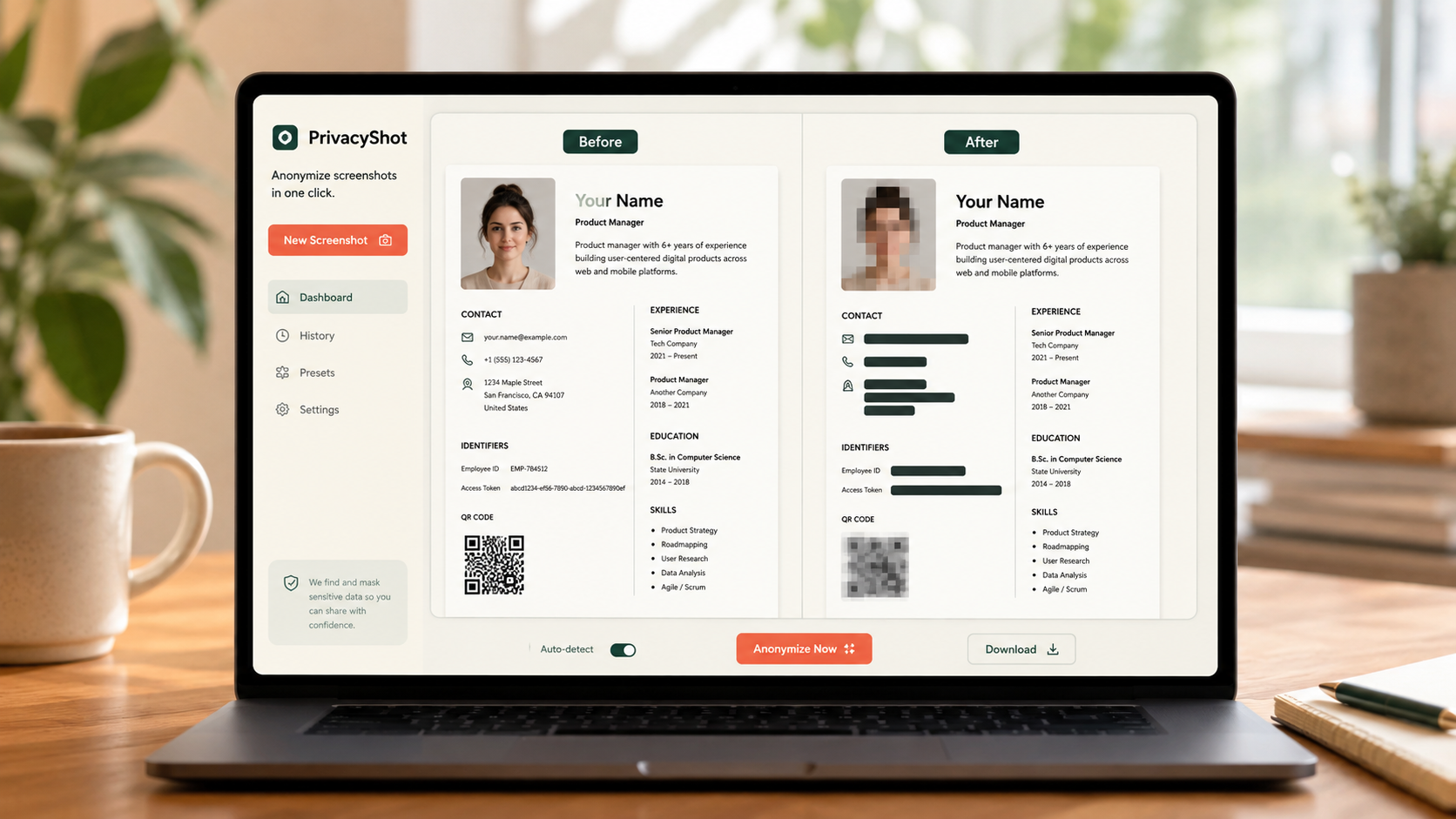
The image is processed in your browser. Review every mask, export fresh pixels, and share the cleaned copy instead of the original.
Choose the clearest original so small and background faces remain visible during review.
Run face detection where supported, then add, resize or remove masks manually.
Open the exported PNG at full size and verify faces in reflections, screens and the background.
Before sharing
Automatic detection is a starting point, not proof that every person has been hidden.
Yes. Supported photos are processed locally in the browser.
No. Angled, small, covered or reflected faces can be missed, so manual review is required.
Blackout provides stronger concealment. Blur can look more natural but must be strong enough to prevent recognition.
Related privacy tasks