Scan the full image
Look beyond the subject for door numbers, signs, labels, screens, mail and vehicle permits.
Location privacy
House numbers, street signs, parcel labels and paperwork can reveal a precise location. Mask each visible clue locally and export a cleaned copy before publishing the photo.
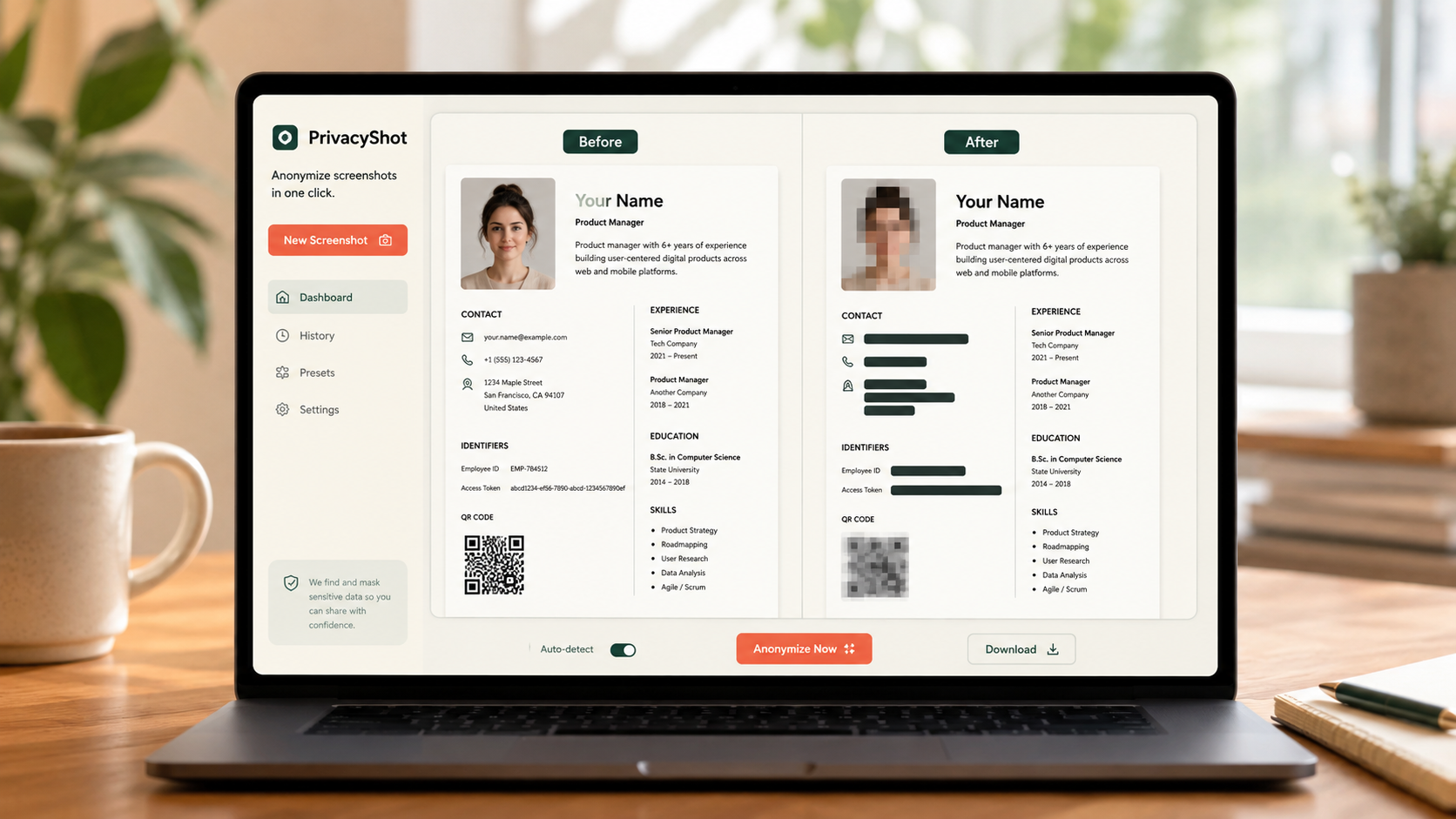
The image is processed in your browser. Review every mask, export fresh pixels, and share the cleaned copy instead of the original.
Look beyond the subject for door numbers, signs, labels, screens, mail and vehicle permits.
Use blackout for readable addresses and include reflections or repeated labels.
Export a fresh PNG, then inspect both visible details and the file you actually plan to share.
Before sharing
Removing one address label may not help if a street sign, landmark or GPS caption remains visible.
House numbers, street names, shipping labels, parking permits, school or workplace badges and map screens may reveal location.
No. Metadata and visible pixels are separate; you must review both.
Yes. Supported image editing runs locally in the browser.
Related privacy tasks